
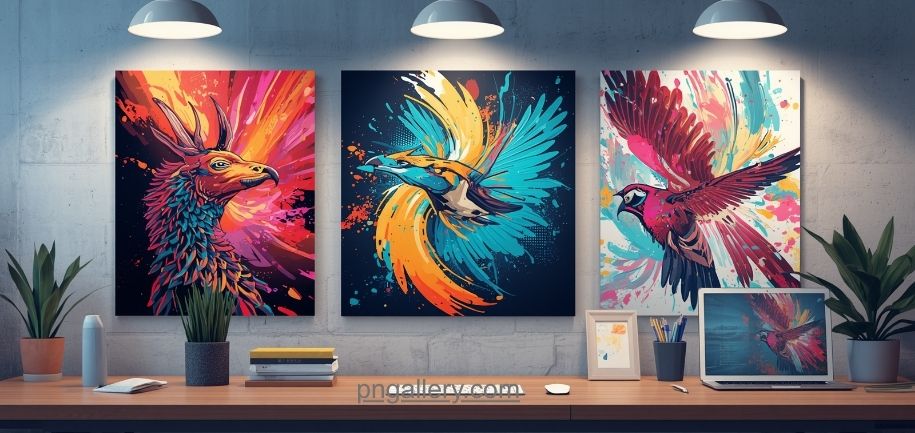
PNG files help designers make better work. They are sharp, clean, and easy to use. You can place them on any background. They fit right in. This guide shows how PNG files improve design projects.
What Is a PNG File?
PNG stands for Portable Network Graphics. It is an image format. PNG files keep full quality. They do not lose data when you save them. This makes PNG great for design work. You can find free PNG files at PNGallery. All images are ready to use.
Transparent Backgrounds Make Design Easy
PNG files support transparent backgrounds. You place a PNG on any surface. It blends in. No white box. No ugly border. No extra editing.
You can drop a logo PNG on a dark or light background. It fits. Designers use transparent PNGs for logos, icons, and stickers. The result looks clean and sharp.
PNG Keeps Your Images Sharp
JPEG files lose quality each time you save them. PNG files do not. PNG uses lossless compression. Your image stays sharp. Every pixel stays intact.
Designers use PNG for:
- Logos and brand assets
- Icons and UI elements
- Screenshots and mockups
- Text-heavy graphics
Blurry images look bad. PNG keeps your work clean.
PNG Works With All Design Tools
Photoshop, Figma, Canva, and Illustrator all support PNG. You can import and export PNG files with no issues.
Download a PNG from PNGallery. Drop it into your project. No conversion needed. It just works. You save time and get back to designing.
PNG Is Great for Web Design
Web designers use PNG files a lot. PNG files load well in browsers. They support transparency. Text and edges stay sharp.
Icons, buttons, and banners all look better in PNG. Your website looks clean and sharp on all screens. Find web-ready PNG images at PNGallery.
PNG Supports Rich Colors
PNG files show millions of colors. Your designs look vivid. The colors in your design tool match the colors in the final PNG. This is key for high-quality design work.
PNG Helps Your Brand Stay Consistent
Good branding needs clean visuals. PNG files keep your brand sharp. You use the same logo PNG on your website, social media, and print layouts.
The logo looks the same in every place. No color shift. No quality loss. Your brand stays strong. Find brand-ready PNG elements at PNGallery.
PNG Is Perfect for Social Media
Social media posts need sharp visuals. PNG files work well here. You can make banners, profile pictures, and post graphics in PNG.
Many creators use PNG templates. They reuse them on all platforms. This speeds up their work and keeps their feed consistent.
PNG Files Are Easy to Find
Finding the right image takes time. PNGallery solves this. It has a large collection of free PNG images. They are sorted by category.
Search for icons, objects, food, nature, and more. Each image has a transparent background. Download and use right away. Your projects move fast.
Conclusion
PNG files make design better. Transparent backgrounds, sharp quality, wide software support, and vivid colors make PNG the top choice for designers.
Use PNG for websites, social media, branding, or digital art. Your output looks sharp and clean.
Visit PNGallery to find free PNG files. Browse thousands of images. Download in seconds. Make your designs stand out.
Frequently Asked Questions
1. What makes PNG better than JPEG for design?
PNG keeps full quality after every save. JPEG loses data each time. Use PNG for logos and icons.
2. Can I use PNG files on a website?
Yes. PNG files work in all browsers. They support transparency and stay sharp on all screen types.
3. Where can I find free PNG files?
Visit PNGallery. It has thousands of free PNG images with transparent backgrounds.
4. Do PNG files support transparent backgrounds?
Yes. PNG fully supports transparent backgrounds. This is why designers prefer PNG.
5. Are PNG files good for print design?
PNG works for print. For high-resolution print, TIFF or PDF are better. For digital and web use, PNG is the top choice.