
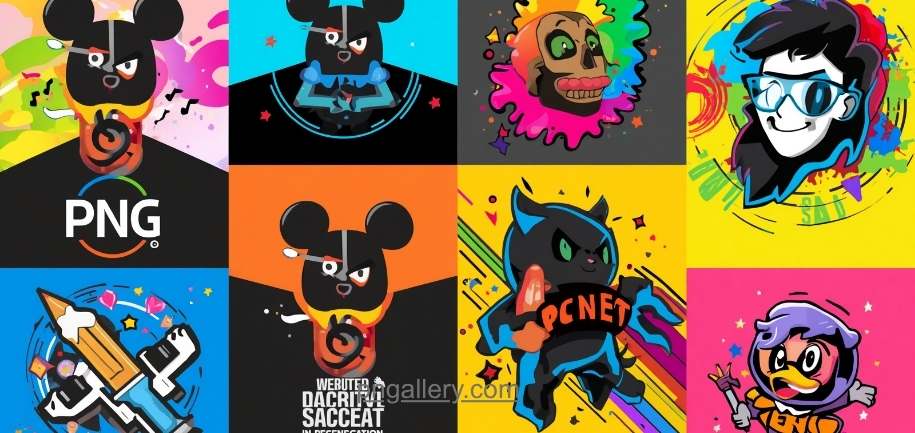
Social media is visual. People scroll fast. A strong image stops them. A weak one gets ignored.
PNG images work great for social media. They stay sharp. Colors look clean. Backgrounds can be clear. That matters when you want your post to stand out.
This guide shows you the best PNG images for social media posts. It also tells you where to find them and how to use them well.
Why PNG Images Work Best for Social Media
PNG files keep quality high. They do not blur when you resize them. JPEGs can get blurry. PNGs do not.
PNG also supports transparent backgrounds. This is a big deal. You can place a logo or icon over any color. It always looks clean and sharp.
Many brands use PNG for this reason. Their posts look polished. The images fit any background without a white box around them.
Best Types of PNG Images for Social Media Posts
1. PNG Icons and Symbols
Icons are small. They are clear. They work great as bullet points, labels, or post accents.
Use PNG icons to highlight features or tips. They break up text and add a visual touch. You can find icon PNGs in many styles — flat, 3D, outline, and filled.
2. PNG Logos and Branding Elements
Your logo should always be a PNG. It stays sharp on any background. A PNG logo with a clear background fits over photos, banners, or solid colors.
Add your logo to every post. It builds brand recall. People start to know your look just from the colors and shape.
3. Transparent PNG Overlays
Overlays add depth to your posts. You can place a semi-clear shape or texture over a photo. This makes the post feel layered and designed.
Try PNG overlays with gradients or patterns. They give your image a custom feel without much effort.
4. PNG Illustrations and Clipart
Illustrations tell a story fast. A single PNG drawing can explain a concept in seconds.
Use them for tips, how-to posts, or to show a product in use. Flat-style illustrations are very popular right now. They look modern and clean.
5. PNG Product Images
If you sell products, use PNGs. A product photo with a clear background lets you place it anywhere. White background, gradient, colorful scene — it all works.
Customers see the product clearly. Nothing distracts them. This helps with both trust and click-through.
6. PNG Text Graphics
Text-based posts get high shares. Turn a quote, stat, or tip into a PNG graphic. Use bold fonts and clean design.
These work well on Facebook, Instagram, and Pinterest. People save and share them often.
7. PNG Stickers and Emojis
Stickers add personality. Use them to react, highlight, or decorate a post. They are fun and get attention fast.
PNG stickers work because they have no background. They blend right into your image without looking pasted on.
How to Pick the Right PNG for Your Post
Keep these rules in mind when you choose a PNG image:
Match the message. The image must fit what you are saying. A happy emoji on a sad post looks off.
Keep it simple. Busy images confuse people. Clean PNGs get more engagement.
Check the resolution. Use high-quality PNGs. Blurry images hurt your brand.
Stay on brand. Use colors and styles that match your brand guide. Consistency builds trust.
Use the right size. Each platform has its own image size. Instagram, Facebook, and Twitter all differ. Resize your PNG before posting.
Where to Find Free PNG Images for Social Media
You do not need to make everything from scratch. Many free sites offer PNG downloads. Here are a few tips to find the best ones:
Look for sites that offer PNG with transparent backgrounds. This gives you the most flexibility.
Check license terms. Some PNGs are free for personal use only. Others allow commercial use. Always read before you post.
Use a site that updates its library often. Trends change. Fresh PNGs keep your posts current.
PNGallery is one of the best places to find PNG images for social media. The site has a large, clean library. Images are high quality. Backgrounds are transparent. You can search by category, style, or color. Whether you need icons, logos, stickers, or illustrations, you will find them fast at pngallery.com.
Tips to Use PNG Images Effectively on Social Media
Here are quick tips to get the most from your PNG images:
- Layer PNGs over photos. Place a PNG icon or sticker on a background image. It adds style fast.
- Use PNG for captions and quotes. Text on a clean PNG graphic looks more professional than plain text.
- Batch create content. Download several PNGs at once. Use them across a week of posts for a consistent look.
- Test different styles. Try flat icons one week. Try 3D illustrations the next. See what your audience likes.
- Keep a folder of ready-to-use PNGs. This saves time when you post daily.
Conclusion
PNG images make your social media posts look sharp, clean, and professional. They keep quality high. Transparent backgrounds give you full design control.
The best PNG types for social media include icons, product images, illustrations, overlays, logos, stickers, and text graphics. Each one serves a different purpose. Used well, they all drive more attention and engagement.
Find fresh, high-quality PNG images at pngallery.com. The library is large. Downloads are easy. Your posts will look better right away.
Start using PNGs today. Your audience will notice the difference.
Frequently Asked Questions
1. What is a PNG image?
PNG is an image file format. It supports high quality and transparent backgrounds. It is popular for logos, icons, and social media graphics.
2. Why use PNG instead of JPG for social media?
PNG keeps quality high when resized. It also supports clear backgrounds. JPG does not. PNG looks sharper in posts.
3. Can I use free PNG images for business posts?
Some free PNGs allow commercial use. Others do not. Always check the license before you use an image for business.
4. Where can I download PNG images for free?
You can find free PNG images at pngallery.com. The site has a large library with transparent background images across many categories.
5. What size should a PNG be for social media?
It depends on the platform. Instagram posts are 1080×1080 px. Facebook covers are 820×312 px. Always check the current size guide for each platform before you upload.